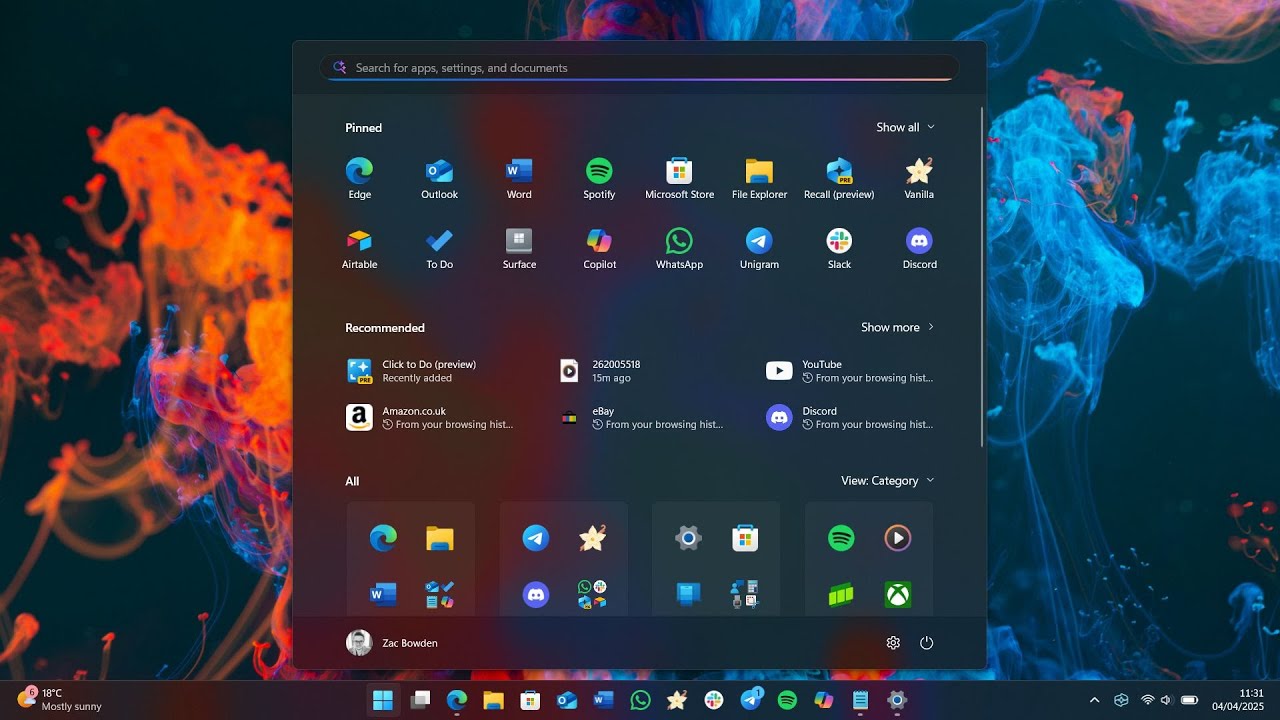
How to change the Windows 11 start menu
February 27, 2026
How to speed up Windows 10 and boost performance
March 11, 2026
Even if you’ve been using Windows 10 for years, there are still Windows 10 tricks still worth knowing that can save time, speed up your PC, and make your daily workflow much smoother. Many of these features are hidden or underused, and mastering them can help you get more done, troubleshoot faster, and take full control of your system.
This guide will walk you through the best Windows 10 tricks still worth knowing, from hidden folders and keyboard shortcuts to performance tweaks and productivity hacks.
God Mode – One of the Most Powerful Windows 10 Tricks Still Worth Knowing
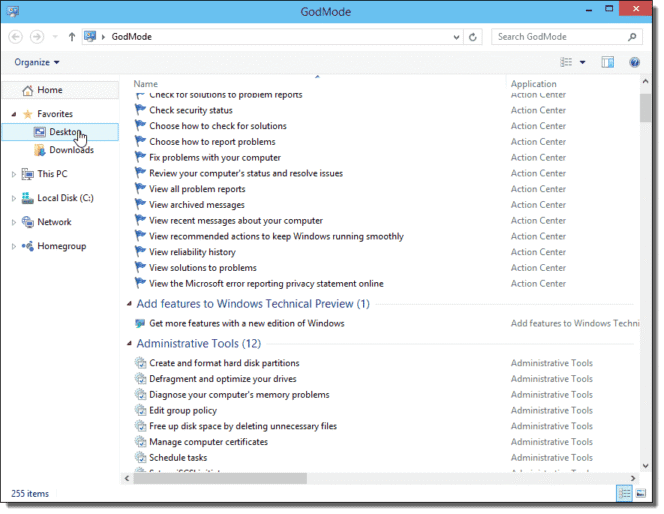
God Mode is a secret feature that gives you access to every single Windows 10 setting in one place. Instead of navigating through multiple menus, God Mode puts everything—from user accounts to backup options—right at your fingertips.
How to enable God Mode:
- Right-click on your desktop → New > Folder
- Rename it to:
GodMode.{ED7BA470-8E54-465E-825C-99712043E01C}
- Press Enter. The folder icon will change, giving you full access to system settings.
This is one of the most powerful Windows 10 tricks still worth knowing, especially for power users who want quick access to all settings and tools.
💡 Pro Tip: Use God Mode to quickly manage user accounts, configure administrative tools, or check device management settings.
Keyboard Shortcuts That Save Hours – Essential Windows 10 Tricks
Keyboard shortcuts are some of the simplest and most effective Windows 10 tricks still worth knowing. They save you time and reduce the need for constant mouse navigation.
Here are the most useful shortcuts:
- Win + Shift + S → Take a screenshot instantly
- Alt + Tab → Switch between open apps quickly
- Win + D → Minimize all windows to show desktop
- Win + V → Access clipboard history to paste multiple items
- Win + Ctrl + D → Create a new virtual desktop
- Ctrl + Shift + Esc → Open Task Manager
💡 Pro Tip: Use virtual desktops to separate work, study, and personal browsing. This small trick alone can save you hours each week and is a classic Windows 10 trick still worth knowing.
Storage Sense – Keep Your PC Clean Automatically
Windows 10 accumulates temporary files, cache, and old downloads that can slow down your system. Storage Sense is a built-in tool that handles cleanup automatically.
How to enable Storage Sense:
- Open Settings > System > Storage
- Toggle Storage Sense ON
- Configure it to delete temporary files, recycle bin items, or unused downloads automatically
💡 Pro Tip: Combine Storage Sense with OneDrive or external storage for a PC that feels fast without constant manual cleanup. This is another essential Windows 10 trick still worth knowing.
Performance Tweaks That Actually Work
If your PC feels sluggish, these tweaks will make a noticeable difference:
- Disable Startup Apps → Task Manager → Startup tab → disable unnecessary apps
- Adjust Visual Effects → System > Advanced system settings > Performance Settings → Adjust for best performance
- Enable Ultimate Performance Mode → Control Panel > Power Options > Ultimate Performance (Pro users only)
Even small adjustments like these are often overlooked, but they’re among the Windows 10 tricks still worth knowing that can breathe new life into older PCs.
Hidden Productivity Hacks
Here are additional Windows 10 tricks still worth knowing that make daily tasks easier:
- Clipboard History → Press
Win + Vto manage multiple copied items - Snap Assist → Drag a window to the edge of the screen for quick split-screen multitasking
- Night Light → Reduce blue light to ease eye strain (Settings > System > Display)
- Focus Assist → Minimize notifications during work hours (Settings > System > Focus Assist)
💡 Pro Tip: These small tweaks help you stay focused, organized, and productive without installing any extra software.
Bonus Hidden Features
Some extra tricks that most users overlook:
- Snip & Sketch → Faster screenshot tool than the classic Snipping Tool
- Task View Timeline → Press
Win + Tabto see past activities and apps - Quick Access in File Explorer → Pin frequently used folders for instant navigation
- Shake to Minimize → Grab a window’s title bar, shake it, and all other windows minimize
These are small, yet practical Windows 10 tricks still worth knowing, especially if you want to work faster and smarter.