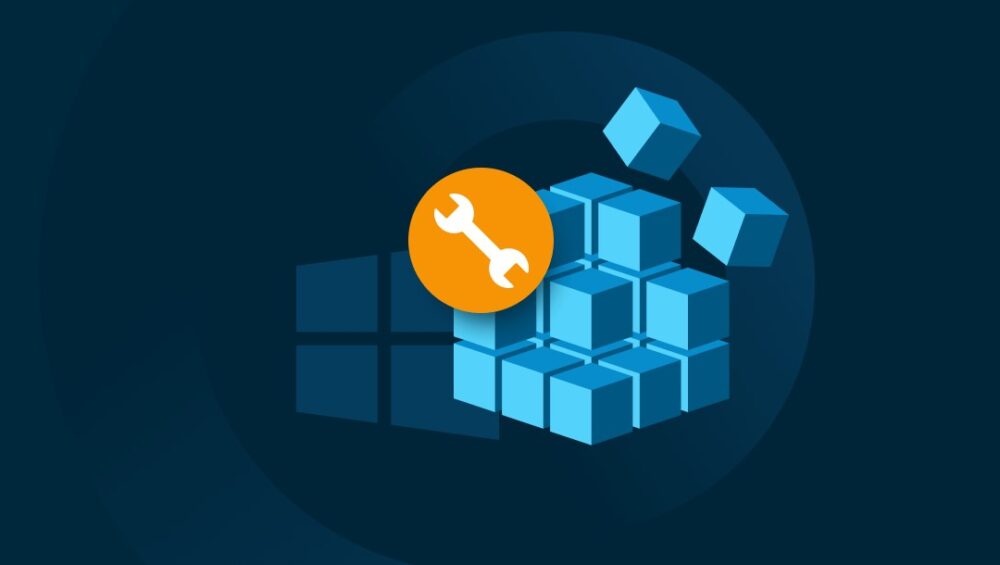
The Windows Registry is a powerful tool that stores configuration settings for your operating system and installed applications. While it can be tempting to tweak the Registry to customize Windows or improve performance, some changes can be dangerous. Certain “safe-sounding” tweaks can corrupt files, cause software errors, or even make Windows unbootable. Understanding which tweaks to avoid and how to protect your system is essential for any Windows user.
1. Backup the Registry Before Making Changes
Before touching the Registry, always create a backup. Windows allows you to export specific keys or the entire Registry to a safe location. This ensures you can restore your system if a tweak goes wrong. Without a backup, even minor mistakes can lead to file corruption or system instability.
2. Avoid Unknown Registry Scripts
Many online guides provide Registry scripts claiming to “speed up Windows” or “unlock hidden features.” Downloading or running scripts from unverified sources is risky. Malicious or incorrect scripts can overwrite critical Registry entries, corrupt files, or disable essential system functions. Only make changes you fully understand.
3. Be Careful with File System Tweaks
Tweaks that change file associations, enable hidden system files, or alter storage paths can be particularly dangerous. Even small errors in these entries can lead to data loss or corrupted files. Avoid experimental tweaks unless you have advanced knowledge of Windows internals.
4. Avoid Tweaks That Disable Security Features
Some Registry tweaks claim to improve performance by disabling Windows security features like UAC (User Account Control) or Windows Defender. While these may seem harmless, disabling security can leave your system vulnerable to malware and file corruption. Stick to safer performance tweaks that don’t compromise security.
5. Test Changes in a Safe Environment
If you want to experiment with Registry tweaks, use a virtual machine or secondary computer. This allows you to test changes without risking your main system. Once you confirm that a tweak is safe, you can carefully apply it to your main device.
Protect Your System and Files
The Windows Registry is powerful, but with power comes risk. Avoid risky tweaks that promise quick fixes or performance boosts without proper understanding. Always back up your system, verify sources, and test changes in a controlled environment. By taking these precautions, you can enjoy a customized Windows experience without putting your files or system stability at risk.