Hidden Windows 10 tricks for better performance
March 11, 2026
How to speed up Windows 10 PC: Easy Fixes
March 14, 2026
Windows continues to dominate the desktop operating system market, and for good reason. Its user-friendly interface, flexibility, and massive ecosystem of software make it the first choice for millions of users worldwide. From productivity tools to multimedia software, Windows supports an enormous range of applications designed to help users work faster and more efficiently.
However, even though Windows comes with many built-in features, most users rely on additional programs to improve productivity, manage files, edit images, or optimize system performance. The good news is that many powerful Windows applications are completely free.
Below is a list of 11 essential free Windows tools that can significantly enhance your daily workflow. These programs are lightweight, useful, and available at no cost.
1. WPS Office
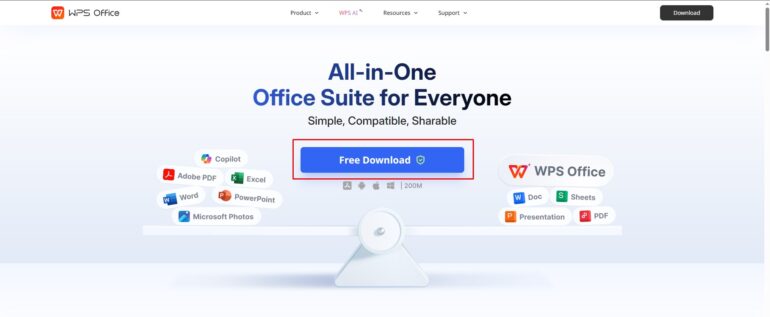
WPS Office is a powerful free office suite that offers excellent compatibility with Microsoft Office formats. It includes tools for creating documents, presentations, and spreadsheets, all within a clean and familiar interface.
The software is lightweight yet feature-rich, making it a great option for users who need a reliable alternative to expensive office software.
Key features:
- Word processor, spreadsheet, and presentation tools
- Full compatibility with Microsoft Office files
- Modern and easy-to-navigate interface
- Cloud integration and templates
2. WordExpander
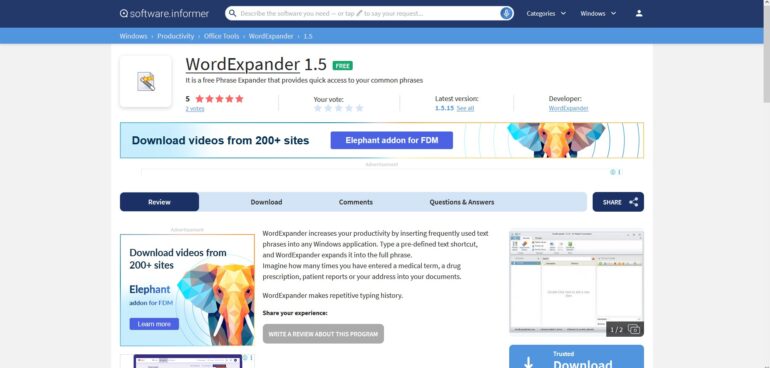
Typing the same phrases repeatedly can slow down productivity. WordExpander solves this problem by automatically completing frequently used words or phrases as you type.
As soon as you begin typing, the software suggests possible completions. You simply choose the correct suggestion to finish the word instantly. This works in most Windows applications including browsers, text editors, and email clients.
Key benefits:
- Automatic word and phrase completion
- Supports almost all Windows programs
- Helps speed up writing and typing tasks
3. Should I Remove It?
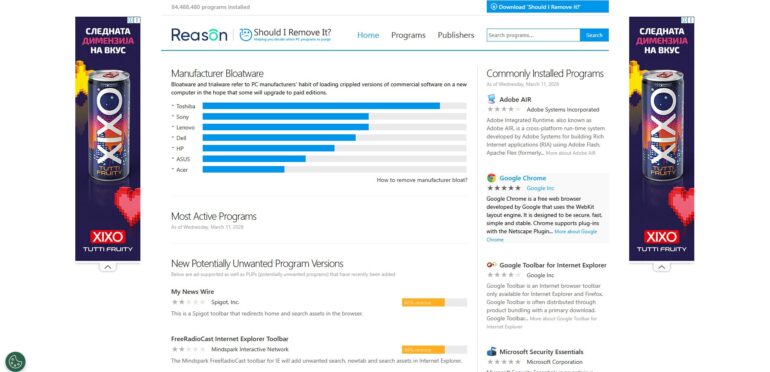
Many computers gradually fill up with unnecessary software such as toolbars, adware, or bundled programs. Should I Remove It? helps identify unwanted applications and safely remove them.
The tool scans installed programs and highlights those that are commonly removed by other users, making it easier to decide what to uninstall.
Key benefits:
- Detects bloatware and unwanted programs
- Helps keep your system clean and organized
- Easy-to-understand removal recommendations
4. Defraggler
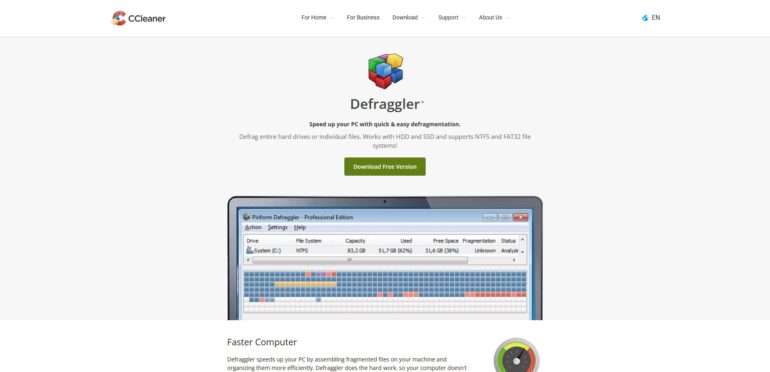
Hard drives can become fragmented over time, which may reduce performance. Defraggler is a lightweight disk defragmentation tool that allows you to optimize entire drives, specific partitions, or even individual files.
Its simple interface displays a visual map of your disk, making it easy to see how fragmented your drive is before running optimization.
Key features:
- Defragment full drives or individual files
- Visual drive map and health information
- Fast and easy disk optimization
5. FileZilla
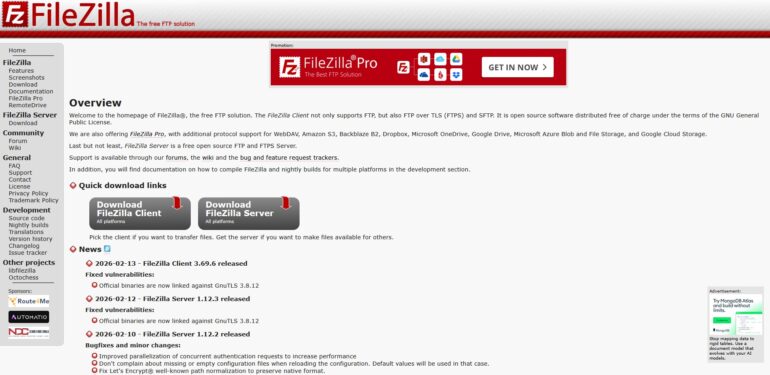
FileZilla is one of the most popular free FTP clients available for Windows. It provides a reliable way to transfer files between your computer and remote servers.
The program supports several protocols including FTP, FTPS, and SFTP, and offers features designed to make file management simple and efficient.
Key features:
- Drag-and-drop file transfers
- Pause and resume uploads or downloads
- Site manager for storing server details
- Remote file search and directory comparison
6. IrfanView
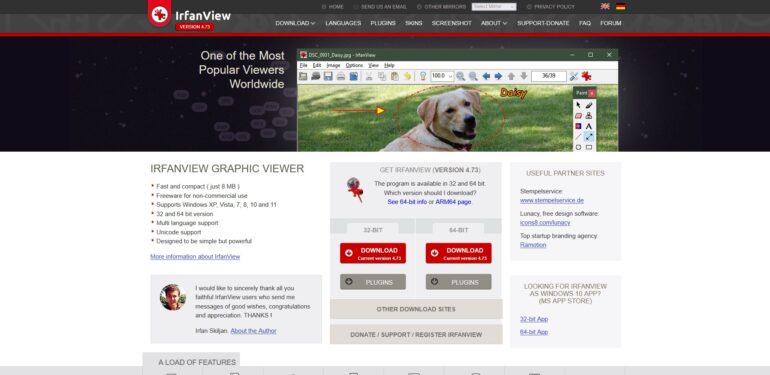
IrfanView is a fast and lightweight image viewer that supports a wide range of formats. Despite its small size, it offers powerful image viewing and conversion tools.
The software is ideal for users who need a quick and efficient way to browse image collections or perform simple edits.
Key features:
- Supports numerous image formats
- Slideshow creation
- Watermark support
- Batch conversion and command line options
7. RIOT (Radical Image Optimization Tool)
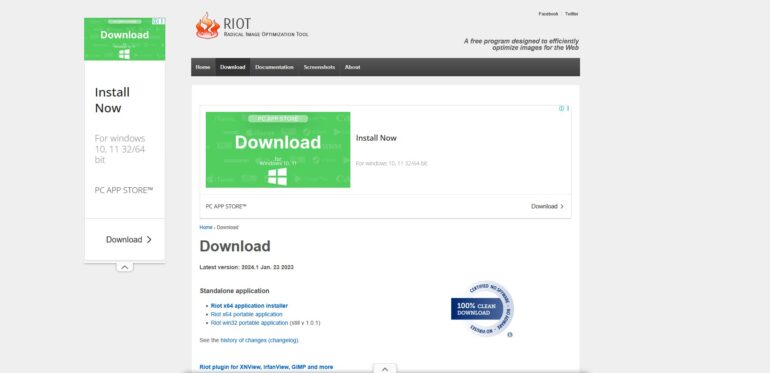
RIOT is a free image optimization tool designed to reduce file sizes without sacrificing image quality. This makes it especially useful for bloggers, web designers, and anyone who uploads images online.
The program lets you compare the original and optimized image in real time, helping you find the best balance between quality and file size.
Key features:
- Supports multiple image formats
- Real-time preview comparison
- Lightweight and fast performance
8. PhotoScape

If you need a free image editor with plenty of features, PhotoScape is a solid choice. It includes tools for editing, converting, and organizing images, making it ideal for casual users and bloggers.
The software combines multiple photo tools in one interface, allowing you to perform common editing tasks quickly.
Key features:
- Batch image editor and converter
- Built-in screen capture tool
- RAW image support
- Red-eye correction and file renaming
9. Screencast-O-Matic

Screencast-O-Matic is a simple yet effective screen recording tool. It allows you to capture your screen with just a few clicks, making it perfect for tutorials, demonstrations, and technical support videos.
You can also upload your recordings directly to video platforms for easy sharing.
Key features:
- Quick screen recording
- Ideal for tutorials and presentations
- Direct publishing to video platforms
10. PicPick
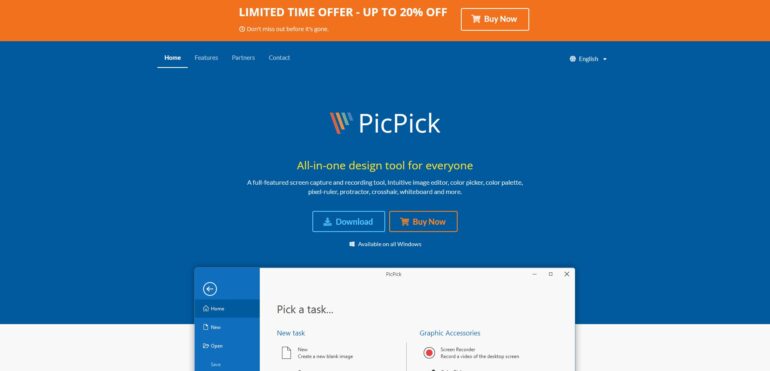
PicPick is an all-in-one screen capture and design tool. In addition to taking screenshots, it includes several useful utilities such as a color picker, pixel ruler, and screen magnifier.
This makes it especially useful for designers, developers, and anyone who regularly works with screenshots.
Key features:
- Multiple screenshot capture modes
- Built-in image editor
- Color picker and palette tools
- Measurement utilities like ruler and protractor