How to Upgrade and Activate Windows
January 29, 2026
How to activate Office 2019 Pro Plus
January 30, 2026
Activating Windows Server 2019 Standard ensures full system functionality, long-term stability, and continued security updates. First, activation confirms that Microsoft recognizes your server as properly licensed. Without activation, Windows Server displays warnings, restricts features, and increases compliance risks.
Therefore, system administrators and businesses must activate Windows Server 2019 Standard correctly. In this guide, you will learn several reliable activation methods. Additionally, the guide explains common activation errors and shows you how to fix them quickly.
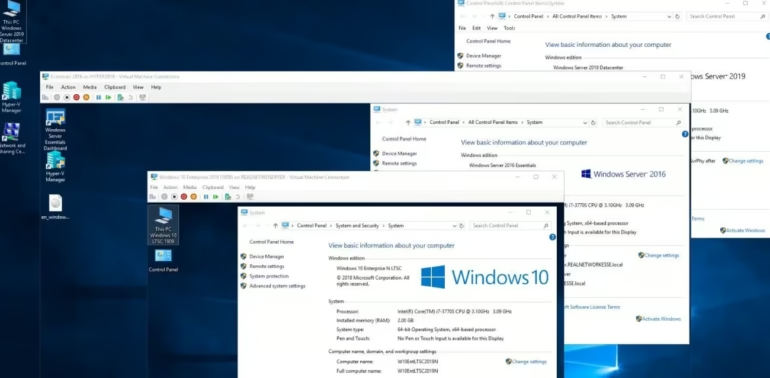
Why You Should Activate Windows Server 2019 Standard
To begin, activation proves that your copy of Windows Server is genuine. As a result, the system unlocks all server roles and features. Moreover, activation allows your server to receive critical security and performance updates from Microsoft.
In addition, activation helps your organization remain compliant with licensing policies. Consequently, you avoid legal and operational risks.
Activation provides the following benefits:
- Unlocks all Windows Server roles and features
- Enables regular security and stability updates
- Ensures licensing compliance
- Removes activation warnings and notifications
In contrast, running an unactivated server can reduce reliability and expose your system to security risks.
What You Need Before Activation
Before you start, verify that your server meets the activation requirements. Otherwise, the activation process may fail.
| Requirement | Details | Status |
|---|---|---|
| Valid Product Key | Must match Windows Server 2019 Standard | Required |
| Internet Connection | Required for online activation | Required |
| Administrator Account | Needed to apply system changes | Required |
| Correct Edition Installed | Must be Windows Server 2019 Standard | Required |
⚠️ Important: Windows Server Datacenter or Essentials keys will not activate the Standard edition.
Method 1: Activate Windows Server 2019 Standard Using Settings
First, press Windows + I to open Settings.
Next, click Update & Security, and then select Activation.
After that, choose Change product key and enter your Windows Server 2019 Standard product key.
Once you enter the key, click Next, and then click Activate.
Finally, restart the server if Windows requests it.
If activation succeeds, Windows displays a confirmation message.
Method 2: Activate Windows Server 2019 Standard Using Command Prompt
Alternatively, you can activate Windows Server 2019 Standard through the Command Prompt. This method works especially well for remote servers and VPS environments.
To begin, open Command Prompt as Administrator.
Then, install your product key by running:
Afterwards, activate Windows by entering:
slmgr /ato
In most cases, Windows completes activation within seconds. However, you should verify the activation status if any errors appear.
Method 3: Activate Windows Server 2019 Standard Using PowerShell
In addition, PowerShell provides another efficient activation option.
First, launch PowerShell as Administrator.
Next, run the following commands:
As a result, this method works well for automation and scripted deployments.
How to Check Activation Status
After activation, confirm the license status to ensure Windows activated correctly.
| Command | Purpose |
|---|---|
| slmgr /xpr | Shows whether activation is permanent |
| slmgr /dli | Displays basic license details |
| slmgr /dlv | Shows detailed activation information |
By checking these values, you can quickly confirm the server’s activation state.
Common Windows Server 2019 Activation Errors and Fixes
Sometimes, Windows fails to activate due to configuration or licensing problems. In these situations, error codes point directly to the issue.
| Error Code | Cause | Solution |
|---|---|---|
| 0xC004F050 | Invalid Product Key | Verify that the product key matches the installed Windows edition. |
| 0xC004F074 | KMS Server Unavailable | Check your network connection or verify KMS server settings. |
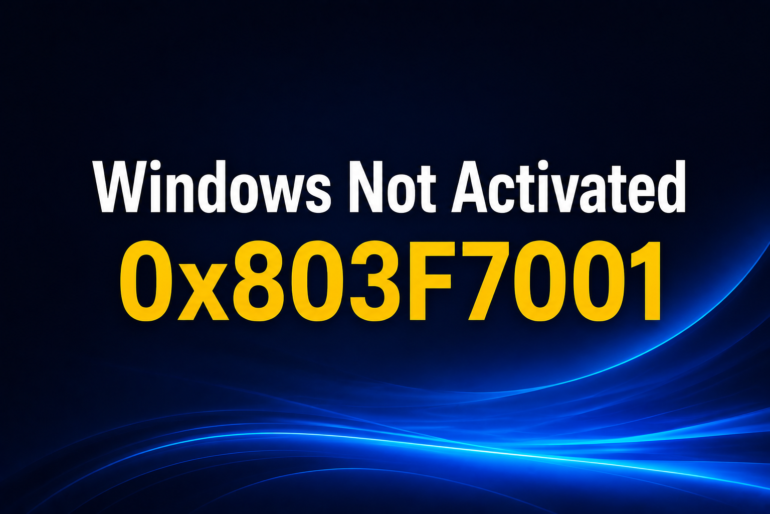
| 0x803F7001 | License Not Detected | Install the correct Windows edition and activate again. |
| 0xC004C008 | Product Key Already Used | Contact your product key provider for assistance. |
Therefore, identifying the correct error code speeds up troubleshooting.
Convert Windows Server 2019 from Evaluation to Standard
In some cases, activation fails because the server still runs in Evaluation mode. Fortunately, you can convert it easily.
First, check the current edition:
Then, convert the system to Standard:After the conversion, restart the server and activate Windows normally.